Product Basics
How Cold Mail Server Works
Understand the system model behind Cold Mail Server: what each resource represents, how requests are authenticated, and where to look when delivery quality changes.
Updated April 2026
Before you begin
- Account access
Table of contents
1) What Cold Mail Server actually does
Cold Mail Server is a sending infrastructure layer between your campaign tool and recipient inbox providers.
- Your campaign tool submits SMTP traffic through Cold Mail Server instead of sending directly from your app infrastructure.
- Cold Mail Server enforces domain policy, mailbox identity, and authentication before accepting sends.
- Accepted messages are relayed using your configured sending identity and tracked for delivery outcomes.
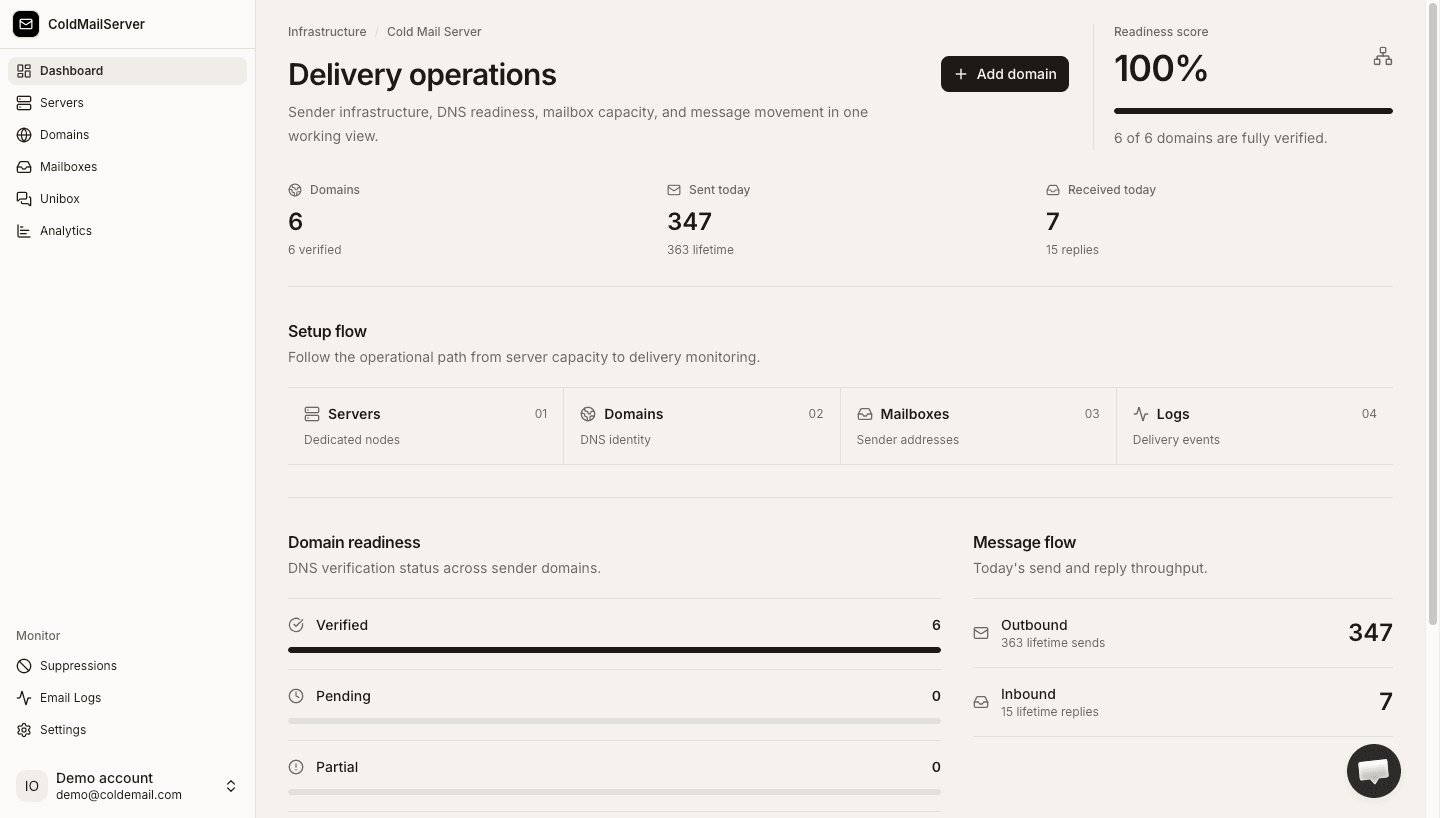
- The platform is designed to make sender operations observable: setup state, auth state, and message-level results are all visible in one workspace.
System flow overview
Capture a simple flow diagram or annotated UI showing Sending Tool -> Cold Mail Server -> Recipient MX, with policy and logging callouts.
2) The resource model: what each object is for
The platform uses a layered model so each object has a clear responsibility.
- Domain: trust boundary and policy container. DNS authentication and send limits live here.
- Mailbox: sender identity under a domain, usually aligned to a persona, team, or campaign lane.
- Auth Key: credential bound to one mailbox. It authorizes tools without exposing broader account access.
- Email Log Entry: immutable event record used for troubleshooting and trend analysis.
- Workspace: collaboration boundary for teammates, visibility, and ownership.
Resource hierarchy
Capture a hierarchy view: Workspace -> Domains -> Mailboxes -> Auth Keys, with one-line definitions overlaid.
3) How an outbound message is processed
Understanding the message path helps you debug faster and make safer changes.
- Step 1: your sending tool authenticates with mailbox credentials (username + mailbox auth key).
- Step 2: Cold Mail Server validates mailbox state, domain verification, and policy controls.
- Step 3: if accepted, the message is relayed and logged with status events for follow-up.
- Step 4: you use Email Logs and domain/mailbox signals to decide whether to scale, pause, or adjust.
Message lifecycle
Capture one message example from credentials validation to final status in Email Logs.
4) Why this structure improves reliability
The model separates concerns so issues are easier to isolate.
- Credential issues stay mailbox-scoped instead of affecting an entire workspace.
- Policy changes (like limits) can be managed at the domain level without rotating every credential.
- Operational visibility is centralized, so teams can diagnose problems from logs instead of guesswork.
- A clear boundary between identity, auth, and policy lowers blast radius during incidents.
Reliability controls map
Capture UI panels for domain limits, mailbox status, and auth key status to show separated controls.